How to Withdraw from Crypto Faucets to Bank Card in 2026: FaucetPay → Bybit / P2P → Fiat
Step-by-step 2026 guide on withdrawing crypto from faucets to your Visa/Mastercard card. FaucetPay → Bybit exchange → P2P route, network fees comparison, and anti-scam tips.
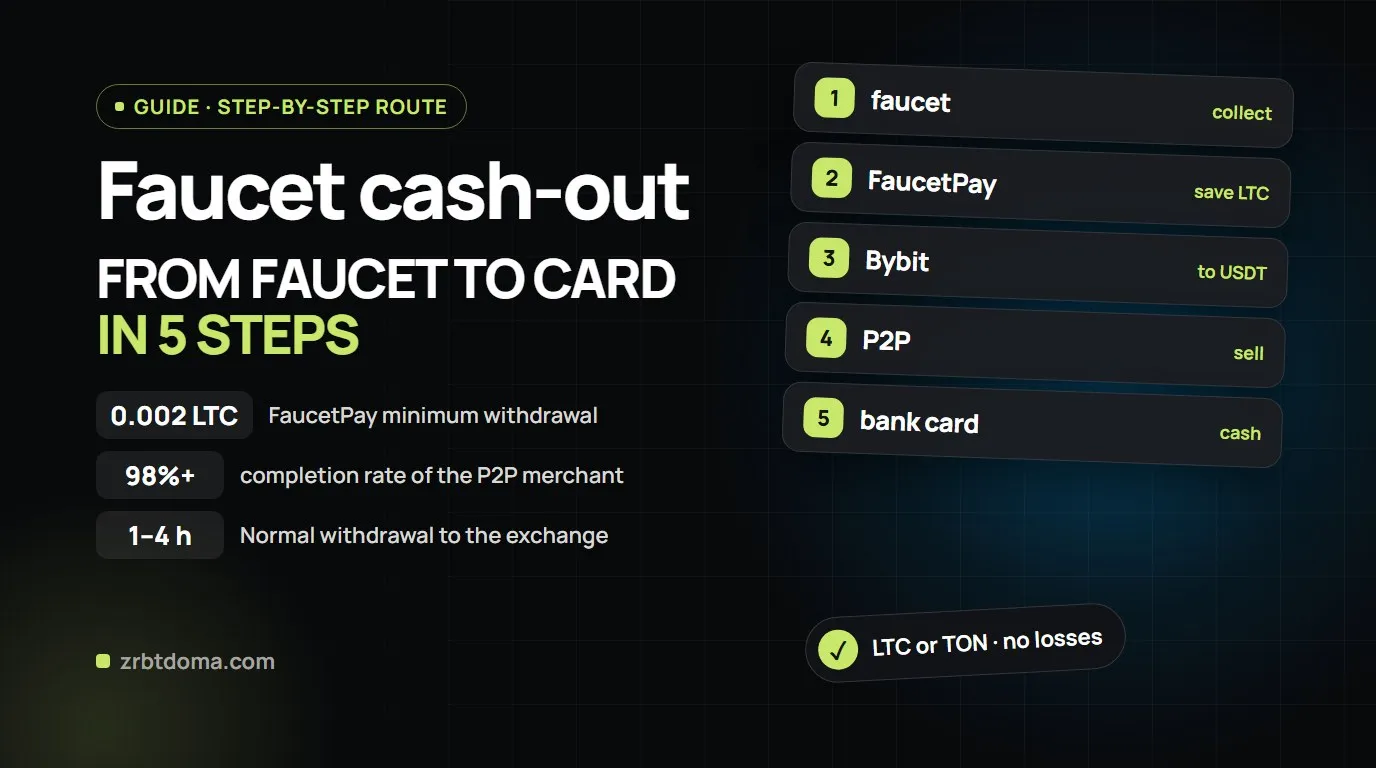
⚡ TL;DR — Master Card Withdrawal Roadmap:
-
🛑 No Direct Transfers: Crypto faucets cannot send fiat currency directly to bank cards.
-
🗺️ The Working Route: Faucet ➔ FaucetPay micro-wallet ➔ Bybit Exchange ➔ P2P Trading Section ➔ Bank Card.
-
📉 Avoid High Fees: Never make micro-withdrawals in Bitcoin (BTC). Convert to Litecoin (LTC min 0.002) or TON (min 1.0) for sub-cent network fees.
-
🛡️ P2P Safety: Trade only with verified merchants with 98%+ completion and confirm orders only after verifying received funds in your mobile banking app.
You collected satoshis from crypto faucets or completed tasks: FaucetPay shows an accumulated balance, but there is no direct «Withdraw to Visa/Mastercard» button.
FaucetPay is a micro-payment hub, not a traditional bank. The conversion of cryptocurrency into real fiat currency takes place on a cryptocurrency exchange via P2P trading.
Here is the complete step-by-step roadmap to withdraw your earnings with zero lost funds.
🎬 Video Tutorial: Step-by-Step Crypto Withdrawal to Card
Watch the full walkthrough from our channel:
🗺️ Master Withdrawal Route
[ Crypto Faucets / PTC Sites / Mini Apps ]
                  │
                  ▼  (Instant, 0% network fee)
       [ FaucetPay Micro-Wallet ]
                  │
                  ▼  (On-chain transaction: LTC, TON, DOGE, TRX)
    [ Crypto Exchange (Bybit / OKX) ]
                  │
                  ▼  (Internal Transfer: Spot → Funding Account)
         [ P2P Trading Section ]
                  │
                  ▼  (Bank transfer with escrow protection)
  [ Your Bank Card (Visa / Mastercard) ]
Step 0. Accumulating on FaucetPay & Picking the Right Coin
Compare current FaucetPay withdrawal minimums and fees before hitting withdraw:
| Coin | Minimum Withdrawal (Normal) | Network Fee | Rating for Withdrawal |
|---|---|---|---|
| Litecoin (LTC) | 0.002 LTC (~$0.15) | 0.00002 LTC (~$0.001) | 🟢 Ideal (Tiny fee, listed everywhere) |
| TON | 1.0 TON | 0.01 TON | 🟢 Excellent (Fast and cheap) |
| Dogecoin (DOGE) | 30 DOGE | 1 DOGE | 🟡 Good (Affordable, 30 DOGE min) |
| Tron (TRX) | 15 TRX | 1.5 TRX | 🟡 Good (Fast network) |
| Bitcoin (BTC) | 0.0012 BTC | 0.00001 BTC | 🔴 Not recommended for small amounts |
Step 1. Get Deposit Address on Bybit
We recommend Bybit for zero maker/taker P2P trading fees:
→ Sign Up: Bybit.com (Official Partner Bonus)
- Navigate to Assets ➔ Deposit.
- Select LTC (Litecoin) and the native LTC chain.
- Copy your unique deposit address.
Step 2. Submit Withdrawal from FaucetPay
- In FaucetPay, open Linked Addresses and link your Bybit LTC address.
- Go to Withdraw: select Litecoin, pick the linked address, choose Normal Withdrawal (4 Hours), and confirm.
Step 3. Spot Conversion to USDT
- In Bybit, open Trade ➔ Spot Trading.
- Open the LTC/USDT pair and sell LTC via Market Order.
- Transfer USDT from Spot Account to Funding Account (Free internal transfer).
Step 4. P2P Sell to Bank Card
- Open Buy Crypto ➔ P2P Trading ➔ Sell.
- Filter by your local currency (USD, EUR, GBP, UAH, KZT) and payment method.
- Choose a verified merchant with 98%+ completion rate and 100+ orders.
- Enter amount, add your bank card details, and open the trade.
- CRITICAL: Check your actual banking app to verify fund arrival before releasing crypto.
💬 Community Links
- 📢 Telegram Channel: t.me/+wjXaKQF1CaQ2ZTli
- 💬 Telegram Chat: t.me/+T0phm_jCK0LW924P
Was this useful?
Likes show which reviews deserve a deeper follow up.
04Read next
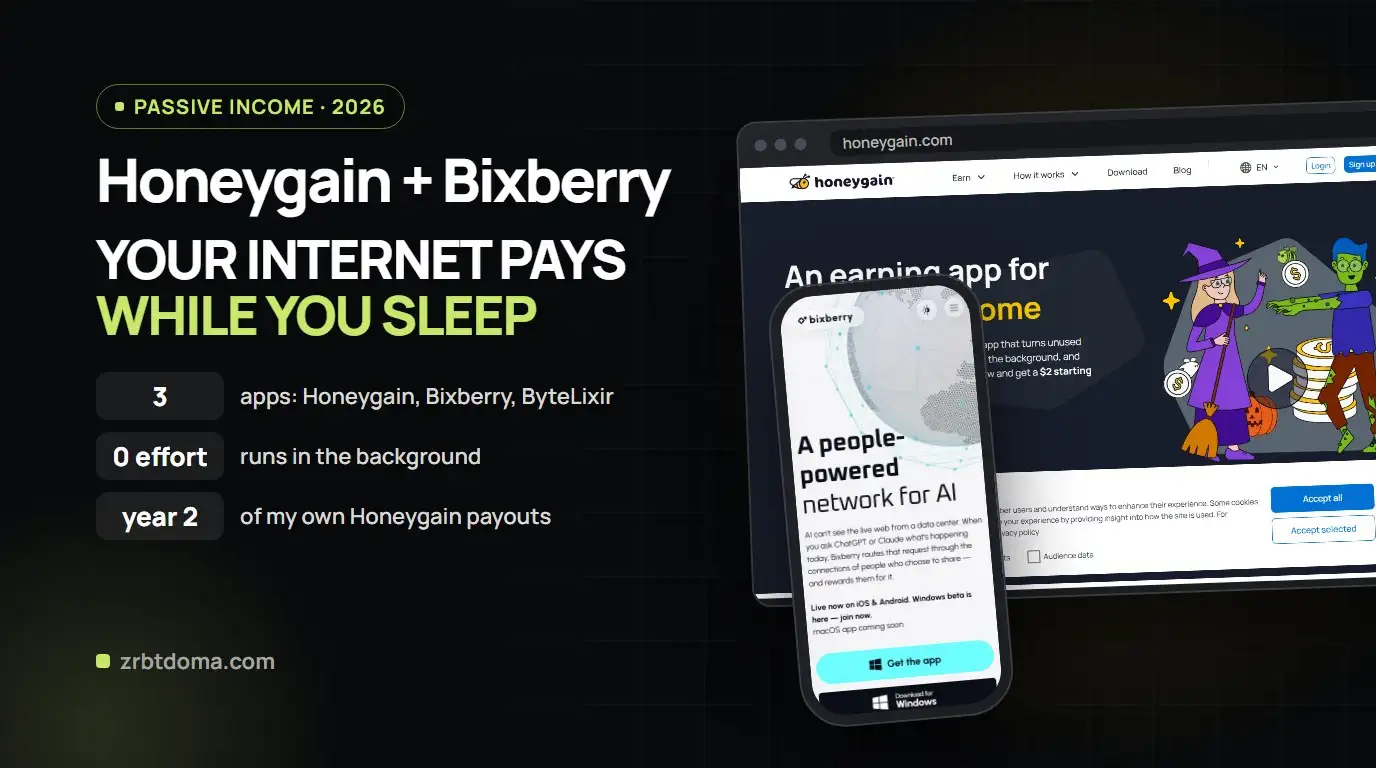
 Project ReviewsBixberry vs Honeygain vs ByteLixir (2026): Which Passive Income App Pays More?
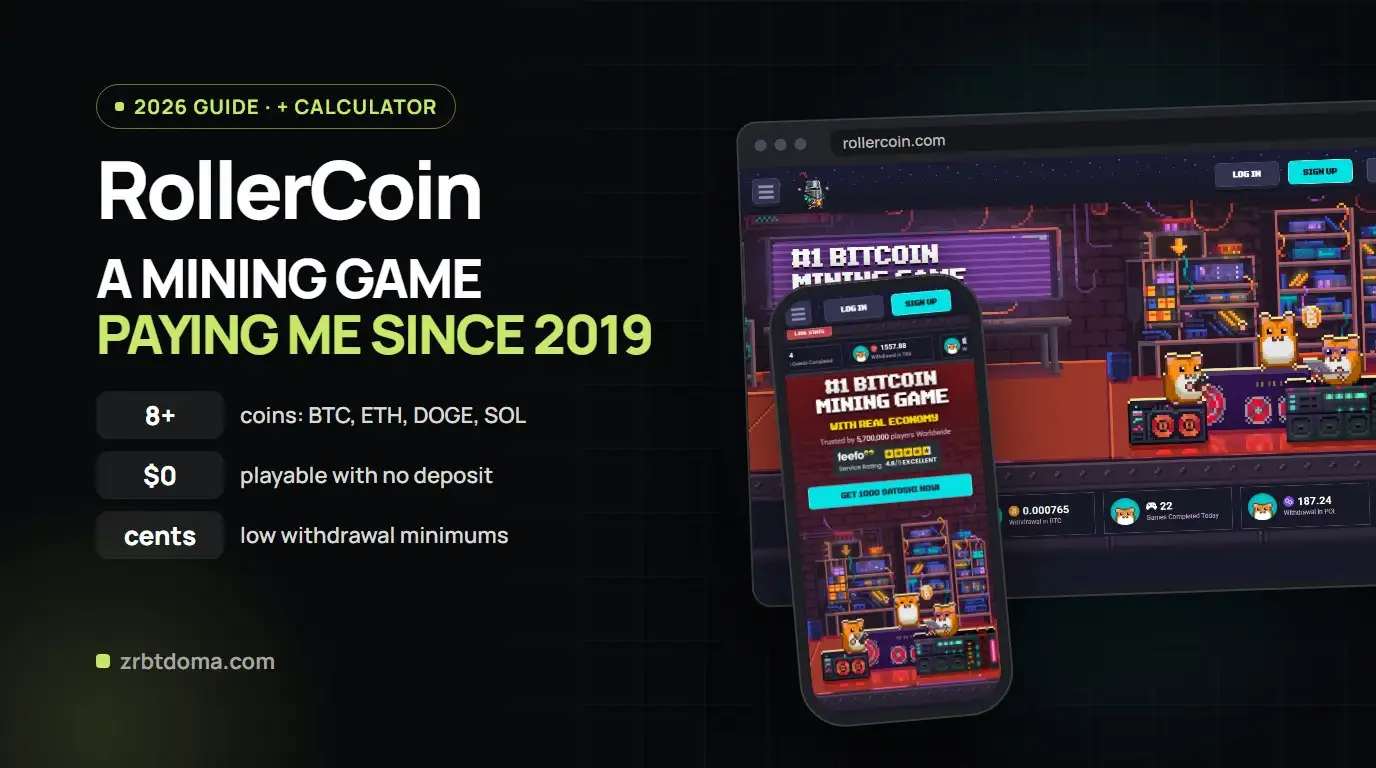
 Web3 & GameFiRollerCoin Guide 2026: How to Earn Free Crypto Without Investment
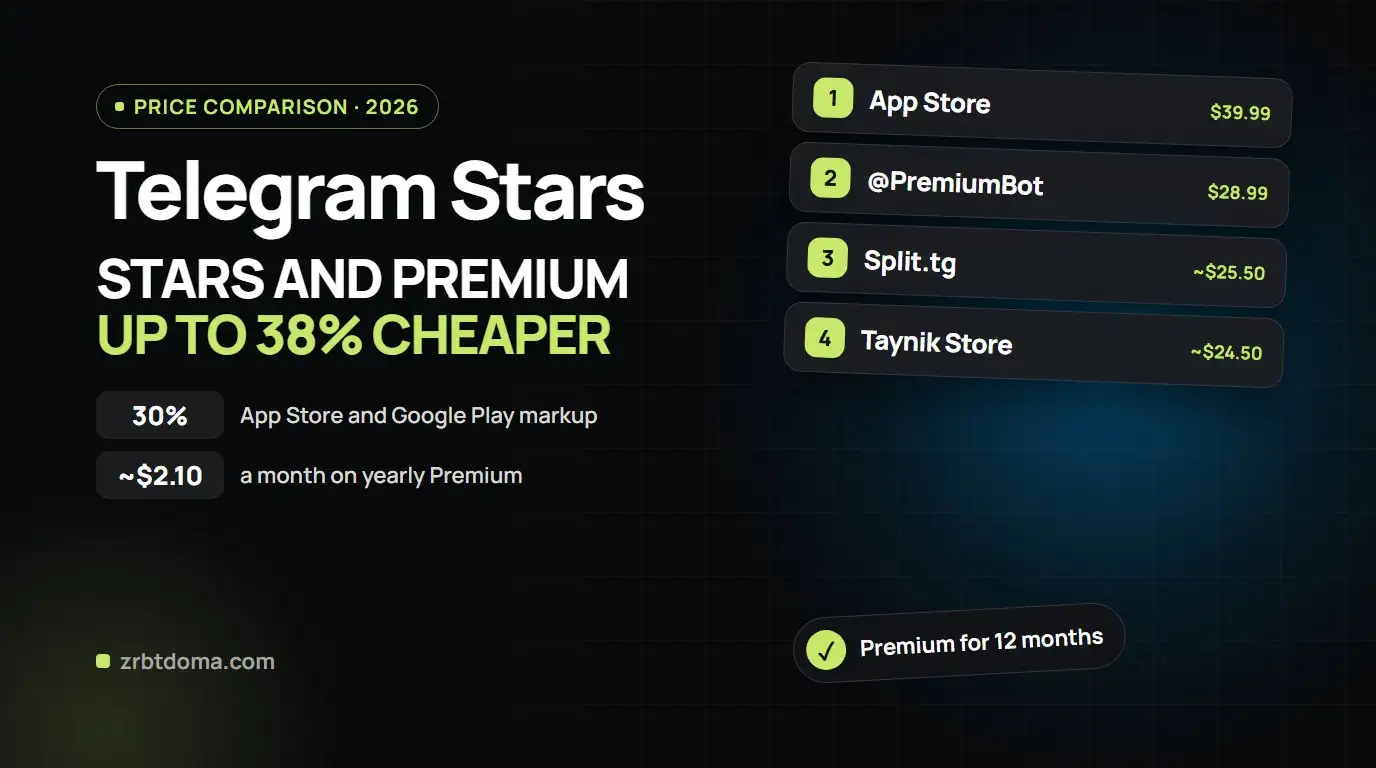
 Guides & SoftwareCheapest Way to Buy Telegram Stars & Telegram Premium in 2026: Price Comparison (App Store, Fragment, Split.tg & Taynik)