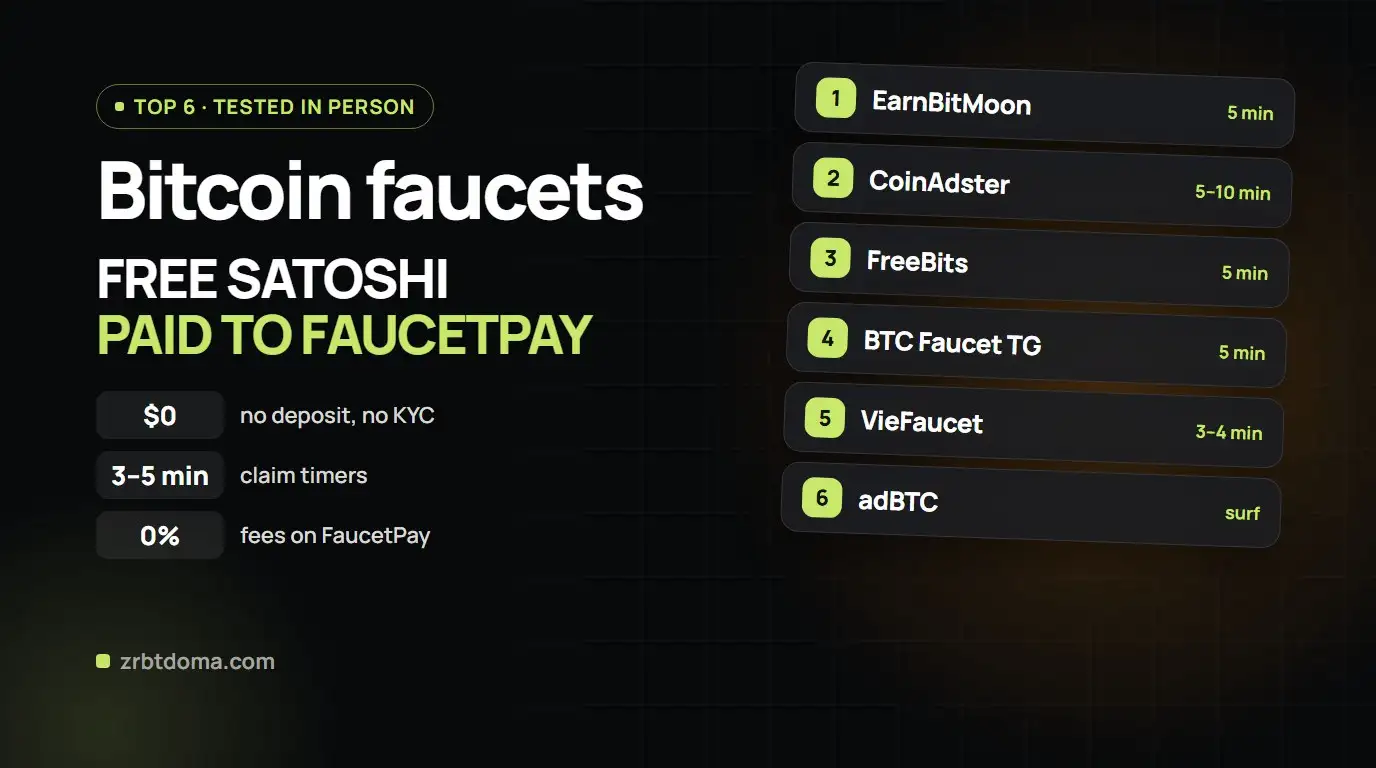
FaucetPay for Beginners 2026: Complete Guide to Setup, 2FA, and Faucet Payouts
Step-by-step 2026 beginner guide to the FaucetPay micro-wallet: registration, anti-phishing, 2FA security, receiving payments from crypto faucets, and low-fee withdrawals.
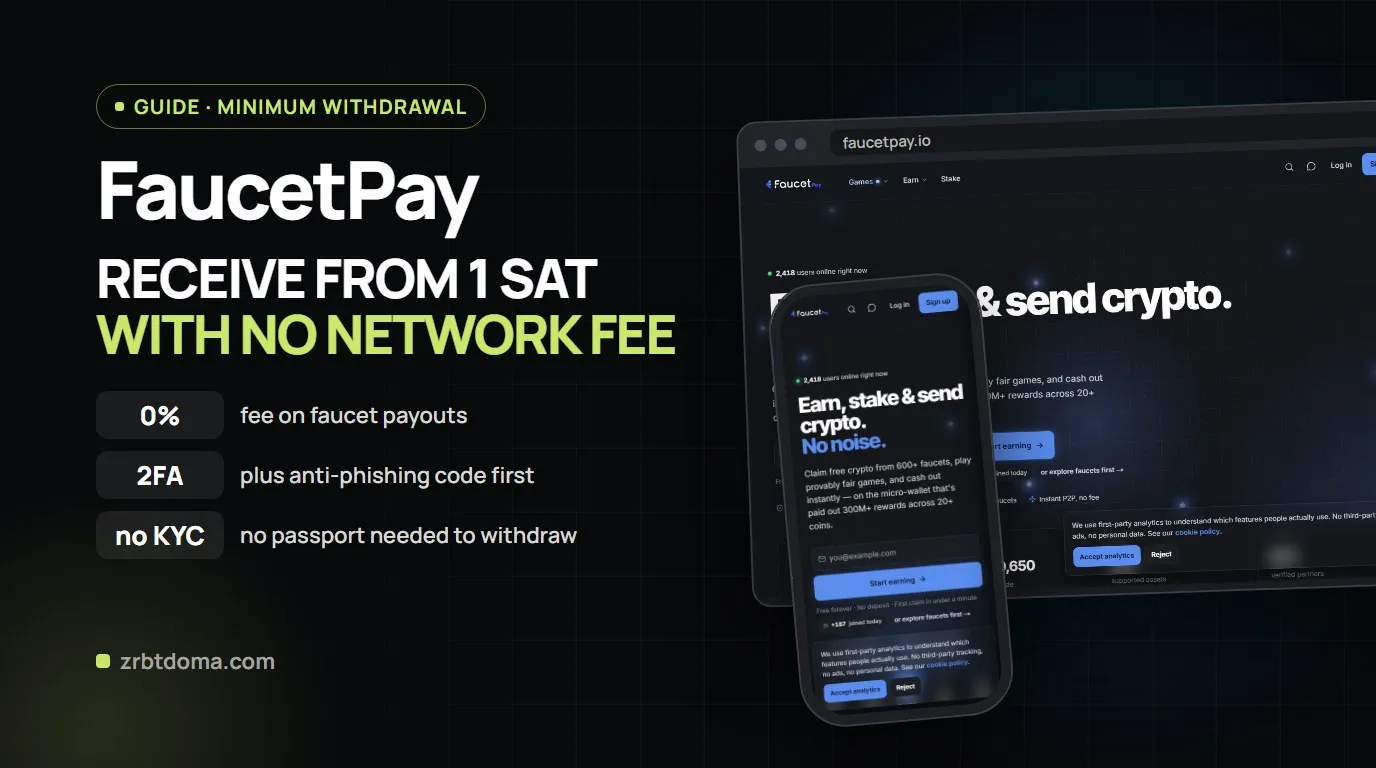
⚡ TL;DR — FaucetPay Essentials in 30 Seconds:
-
💎 What it is: The #1 micro-payment hub and crypto transit wallet for zero-investment crypto earnings in 2026. Allows receiving payouts starting from 1 satoshi with 0% blockchain fees.
-
🔗 Official Registration: faucetpay.io/r/sitexxx.
-
🛡️ Day-1 Security: Immediately configure an Anti-Phishing phrase and turn on 2FA (Two-Factor Auth) with an offline backup key.
-
📥 How to Receive Payouts: Copy your Deposit address for the desired coin (or account email) into faucet withdrawal settings.
-
💸 How to Cash Out: Accumulate balances above threshold (LTC min 0.002, TON 1, DOGE 30) ➔ transfer to an exchange (Bybit) ➔ sell to bank card via P2P.
When you start earning free cryptocurrency from faucets or Telegram Mini Apps, the biggest hurdle is blockchain gas and network fees.
Sending 100 satoshis directly to a regular exchange deposit is impossible due to minimum deposit limits and network fees. FaucetPay solves this by serving as a zero-fee aggregation layer for micro-earnings from hundreds of verified faucets worldwide.
🎯 What is FaucetPay in Simple Terms
| Parameter | Details |
|---|---|
| What is it? | A specialized micro-wallet and payment processor for small cryptocurrency transactions. |
| Why is it needed? | Collects micro-payments without blockchain network fees. |
| How do faucets pay? | Via your Deposit address inside FP or via your Account Email / Username. |
| Internal swap? | Yes, Coin Swap allows you to merge multiple small coin balances into a single asset. |
| Fiat / Card withdrawal? | Accumulate on FP ➔ withdraw on-chain to Bybit / OKX ➔ cash out to card via P2P. |
🚀 Step 1. Safe Registration
→ Official Link: faucetpay.io/r/sitexxx (Official Portal)
- Click Sign Up via the official link above.
- Enter your username, valid email (Gmail recommended), and a secure password.
- Confirm your registration via the verification email.
🛡️ Step 2. Essential Security: Anti-Phishing & 2FA
- Anti-Phishing Code: Set a custom secret word in Account Settings. All legitimate emails from FaucetPay will include this code.
- Two-Factor Authentication (2FA): Link Google Authenticator or 2FAS. Store your backup 2FA recovery key offline on paper.
📥 Step 3. Receiving Payouts from Faucets
- Method 1 (By Email): Enter your FaucetPay account email address into the faucet’s withdrawal settings.
- Method 2 (By Deposit Address): Navigate to Wallet ➔ click Deposit next to your desired coin (LTC, BTC, DOGE, TRX, TON) ➔ copy the generated address into the faucet.
🔄 Step 4. Merging Balances (Coin Swap)
To prevent paying fees on multiple tiny transfers:
- Open Coin Swap.
- Convert all micro-balances into a low-fee asset such as Litecoin (LTC) or TON.
- Consolidate your funds into a single balance ready for exchange withdrawal.
💸 Step 5. Fees and On-Chain Withdrawals
| Cryptocurrency | Minimum Withdrawal (Normal) | Network Fee (Normal) |
|---|---|---|
| Litecoin (LTC) | 0.002 LTC | 0.00002 LTC (~$0.001) |
| TON Network | 1.0 TON | 0.01 TON |
| Dogecoin (DOGE) | 30 DOGE | 1 DOGE |
| Tron (TRX) | 15 TRX | 1.5 TRX |
| Bitcoin (BTC) | 0.0012 BTC | 0.00001 BTC |
| Direct Transfer | No Minimum | 0.00 (Free FP to FP) |
💬 Community Links
- 📢 Telegram Channel: t.me/+wjXaKQF1CaQ2ZTli
- 💬 Telegram Chat: t.me/+T0phm_jCK0LW924P
Was this useful?
Likes show which reviews deserve a deeper follow up.
04Read next
 Project ReviewsBixberry vs Honeygain vs ByteLixir (2026): Which Passive Income App Pays More?
 Web3 & GameFiRollerCoin Guide 2026: How to Earn Free Crypto Without Investment
 FaucetsTop 6 Bitcoin Faucets 2026 with Instant FaucetPay Payouts